SecTunnel — a fast VPN proxy for stable connection
SecTunnel helps you stay connected while traveling, at home, and during work tasks: choose a server, tap the connect button, and use a protected VPN channel without complicated setup.
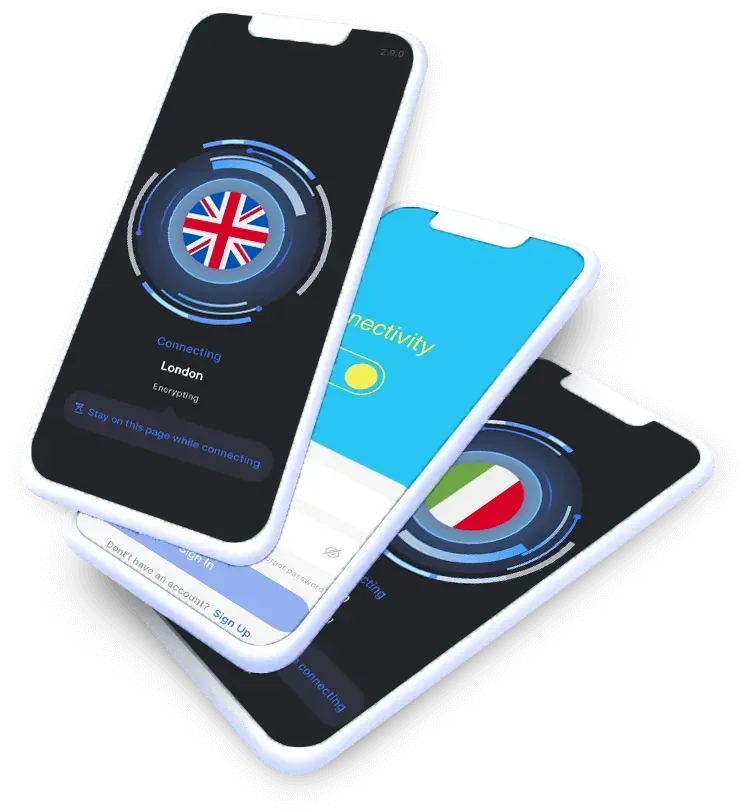


Protected VPN Channel
SecTunnel helps route your internet connection through a VPN server and reduces dependence on unstable public networks.
Global Server Network
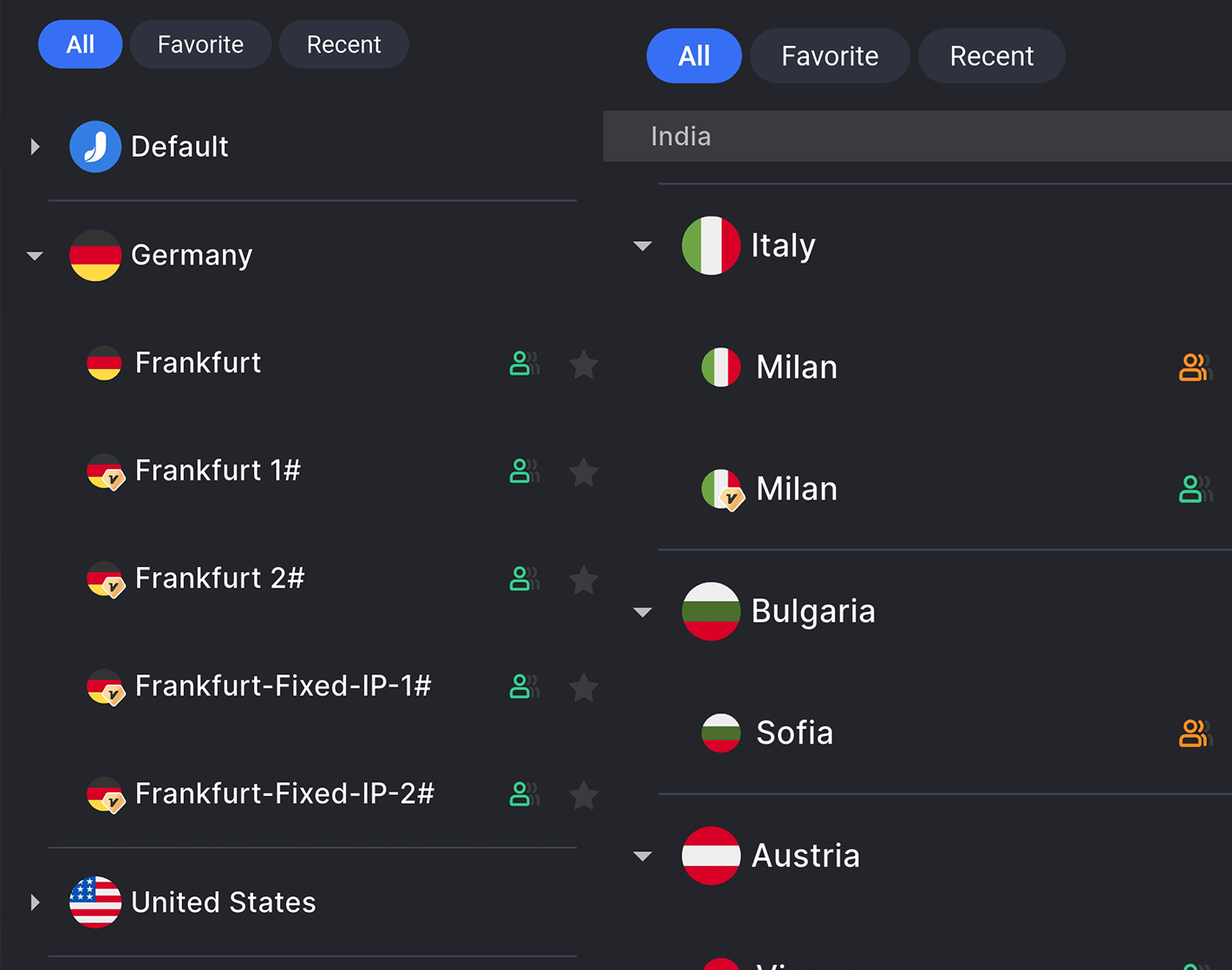
Choose a suitable connection location for a more comfortable experience with internet services in different regions.
Simple Control
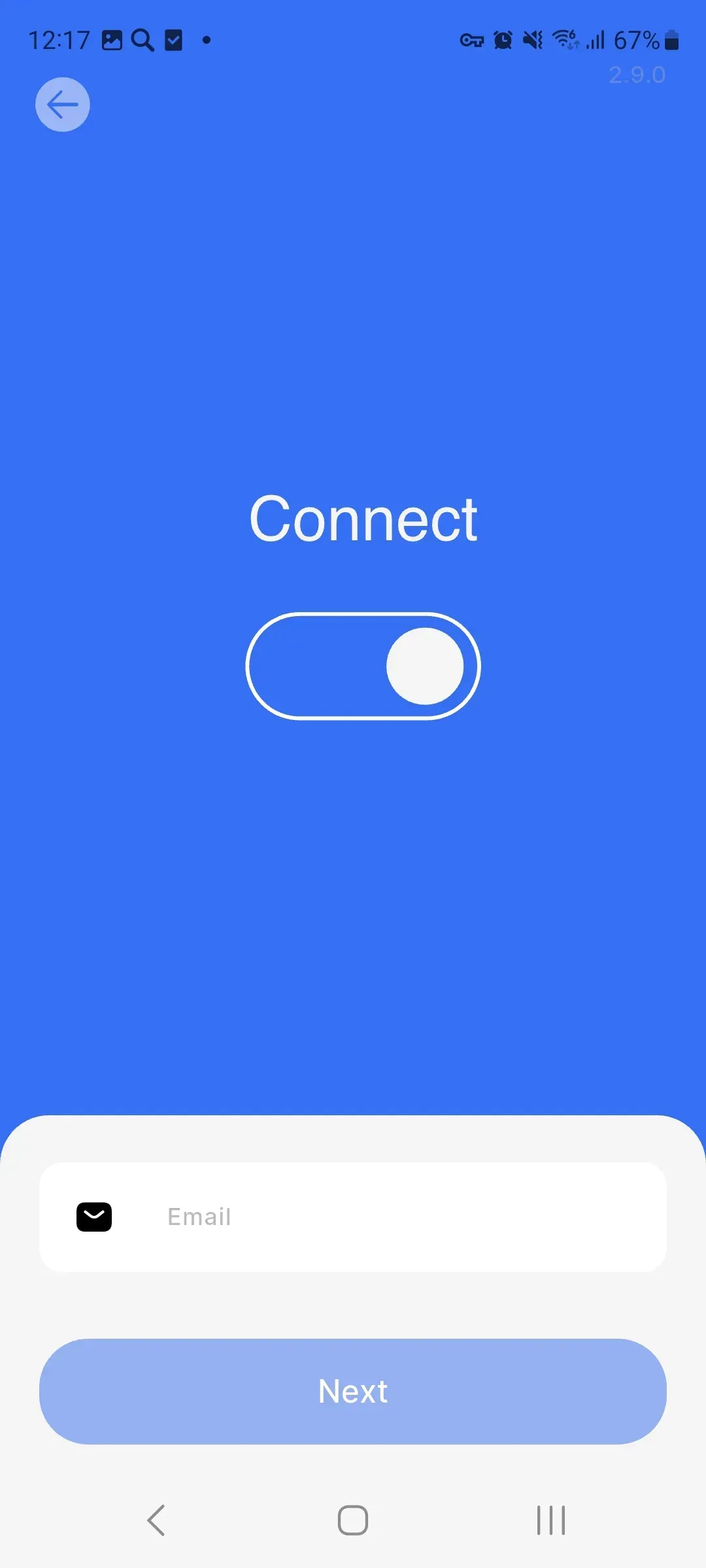
The minimalist interface lets you connect to the VPN with one tap, without manually configuring profiles and parameters.
SecTunnel is designed for a smooth and predictable internet connection
The app combines quick server selection, stable performance, and a clear connection flow. It is suitable for users who value mobility, careful connection protection, and simple VPN session control.
Installation through the app store
SecTunnel installs on compatible Android devices and is managed through the familiar Google Play interface.
Stable performance every day
Optimized routing helps maintain a steady connection for the browser, messengers, and other network tasks.
VPN location selection
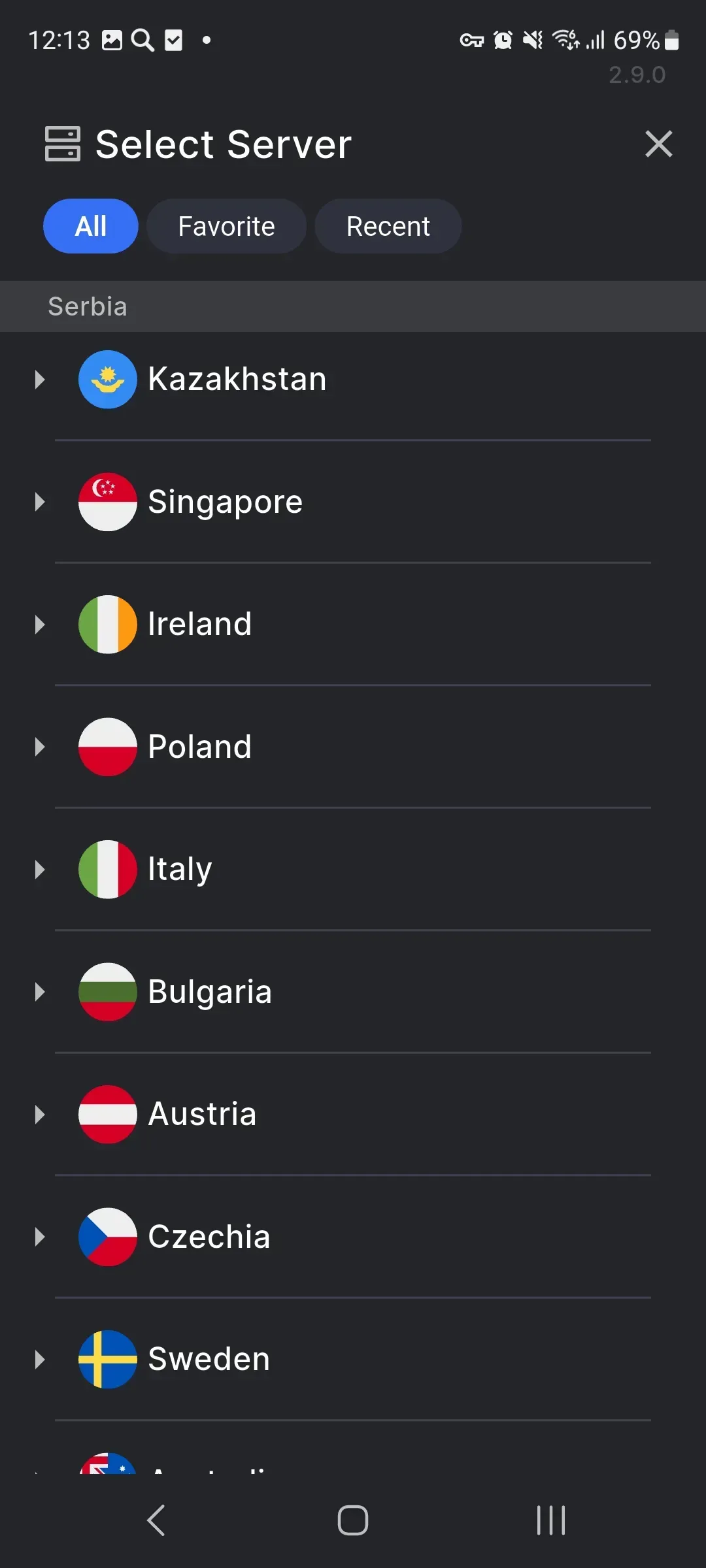
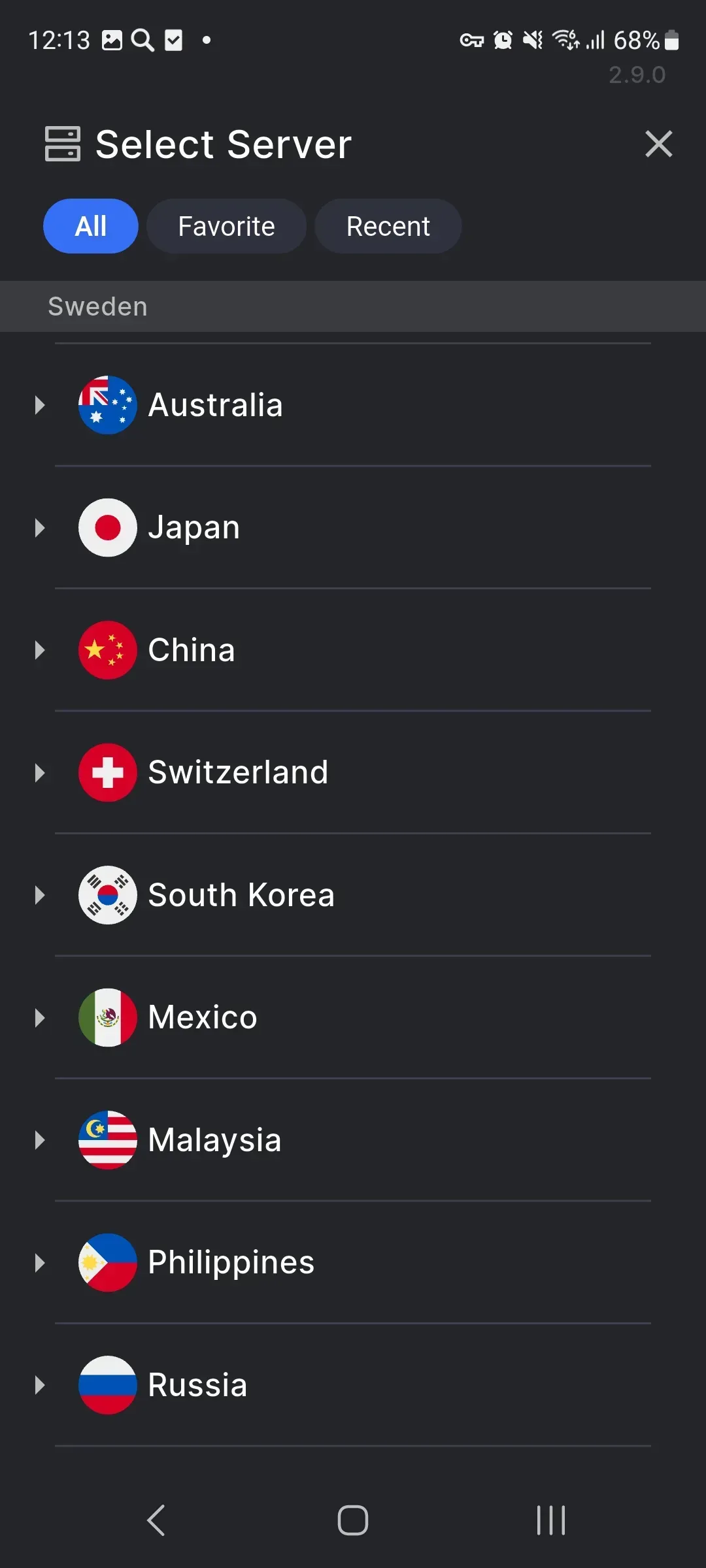
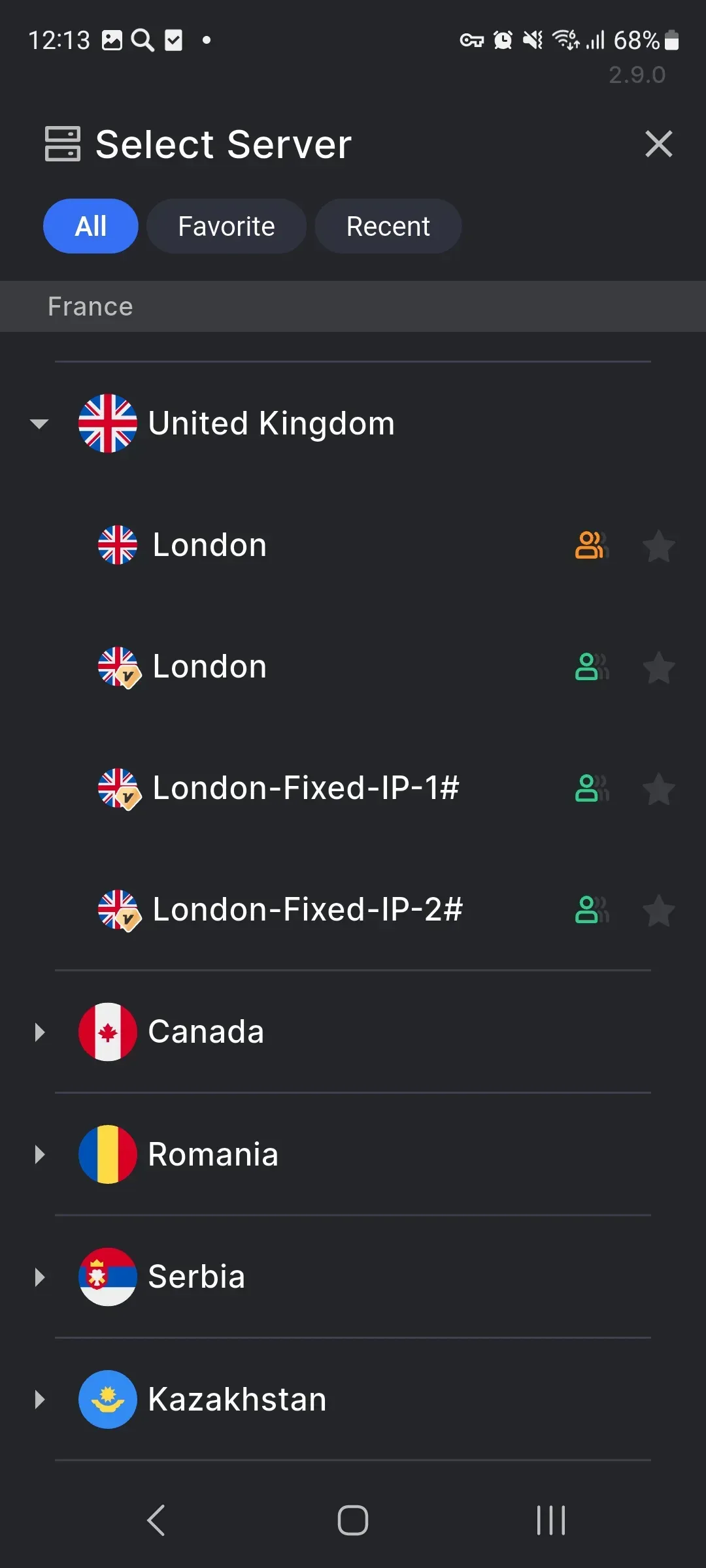
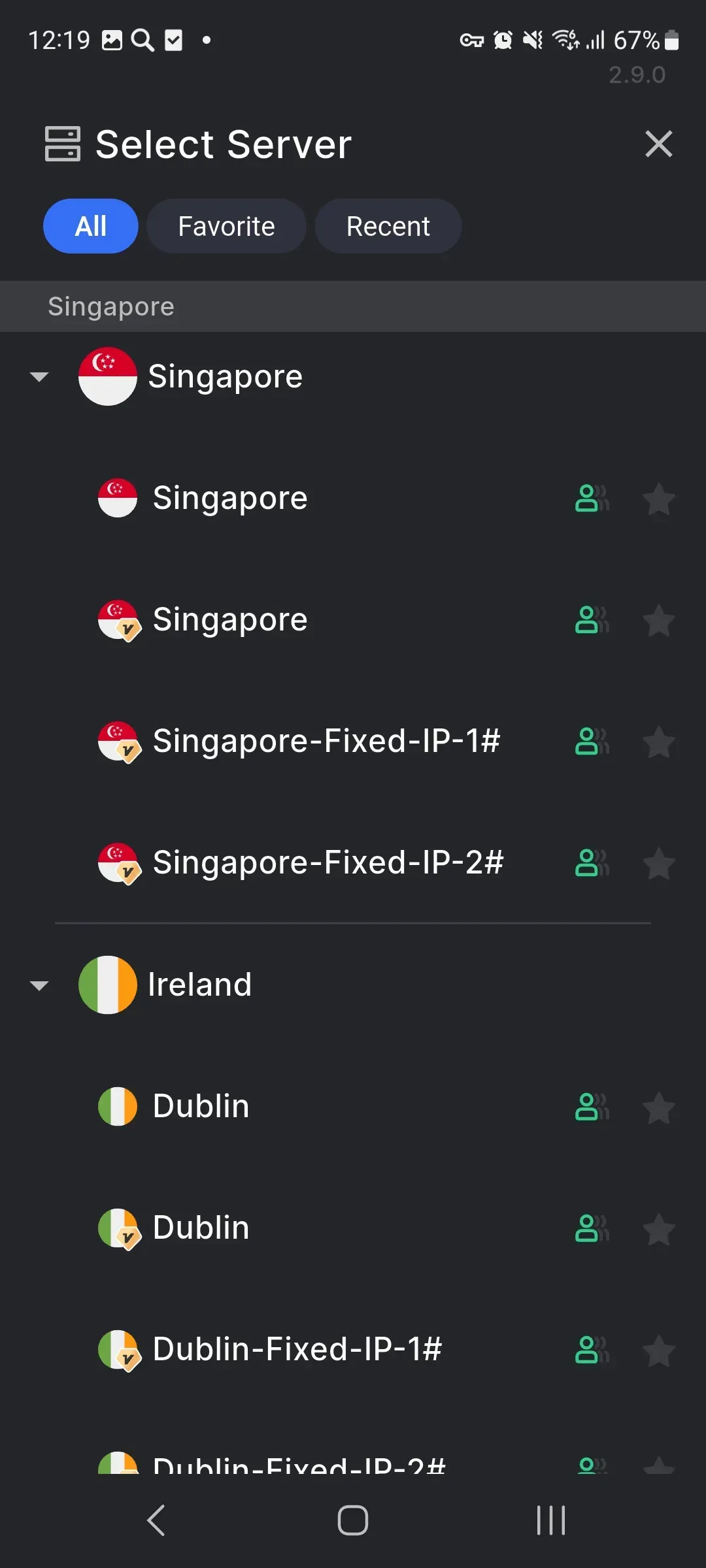
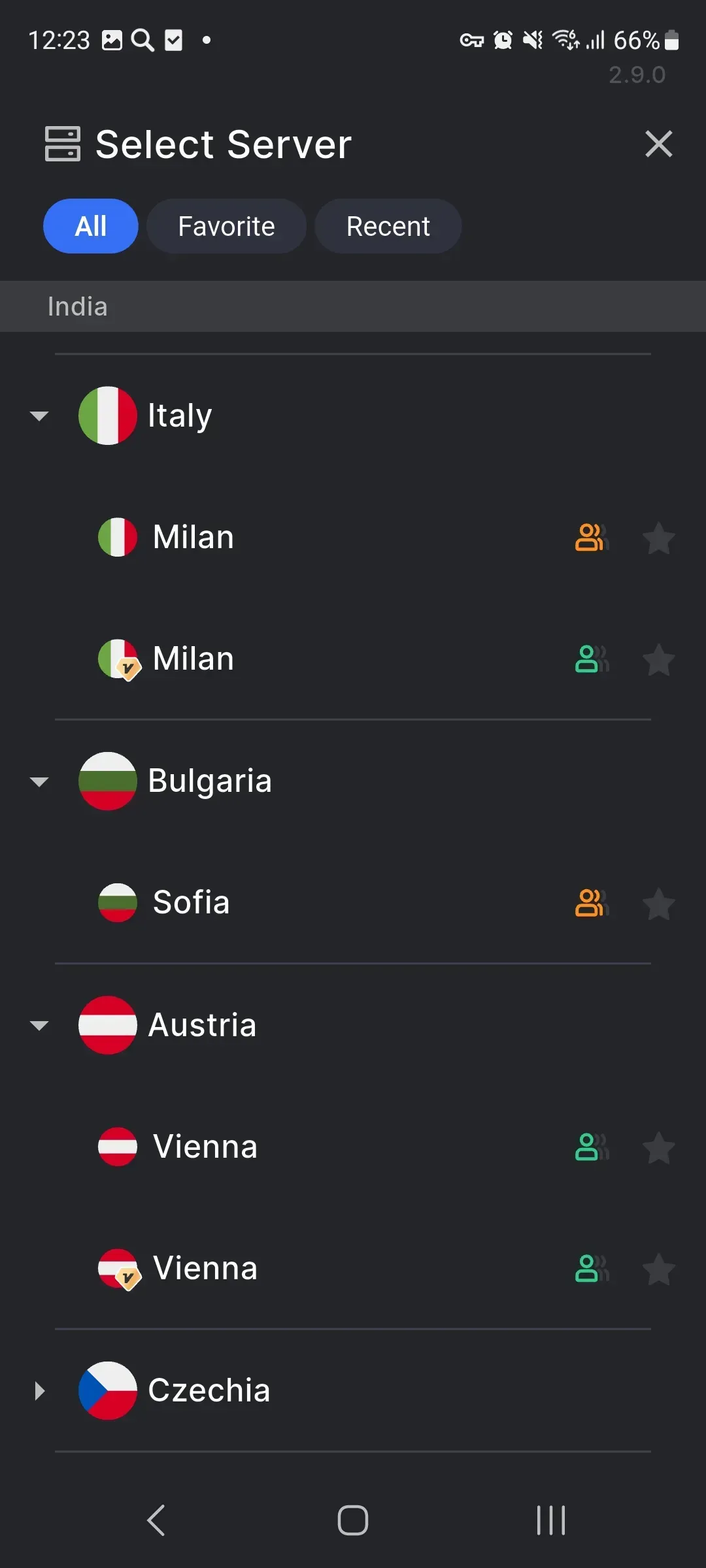
The user can choose a suitable server from the available network and quickly switch between connection options.
Everything you need for a convenient VPN connection in one app
One-tap connection
Open the app, choose a server, and tap the connect button. SecTunnel handles the technical part so you can stay focused on your tasks.
Protection on public networks
A VPN channel is especially useful when using Wi-Fi in hotels, cafés, airports, and other places where network quality may vary.
Clear connection status
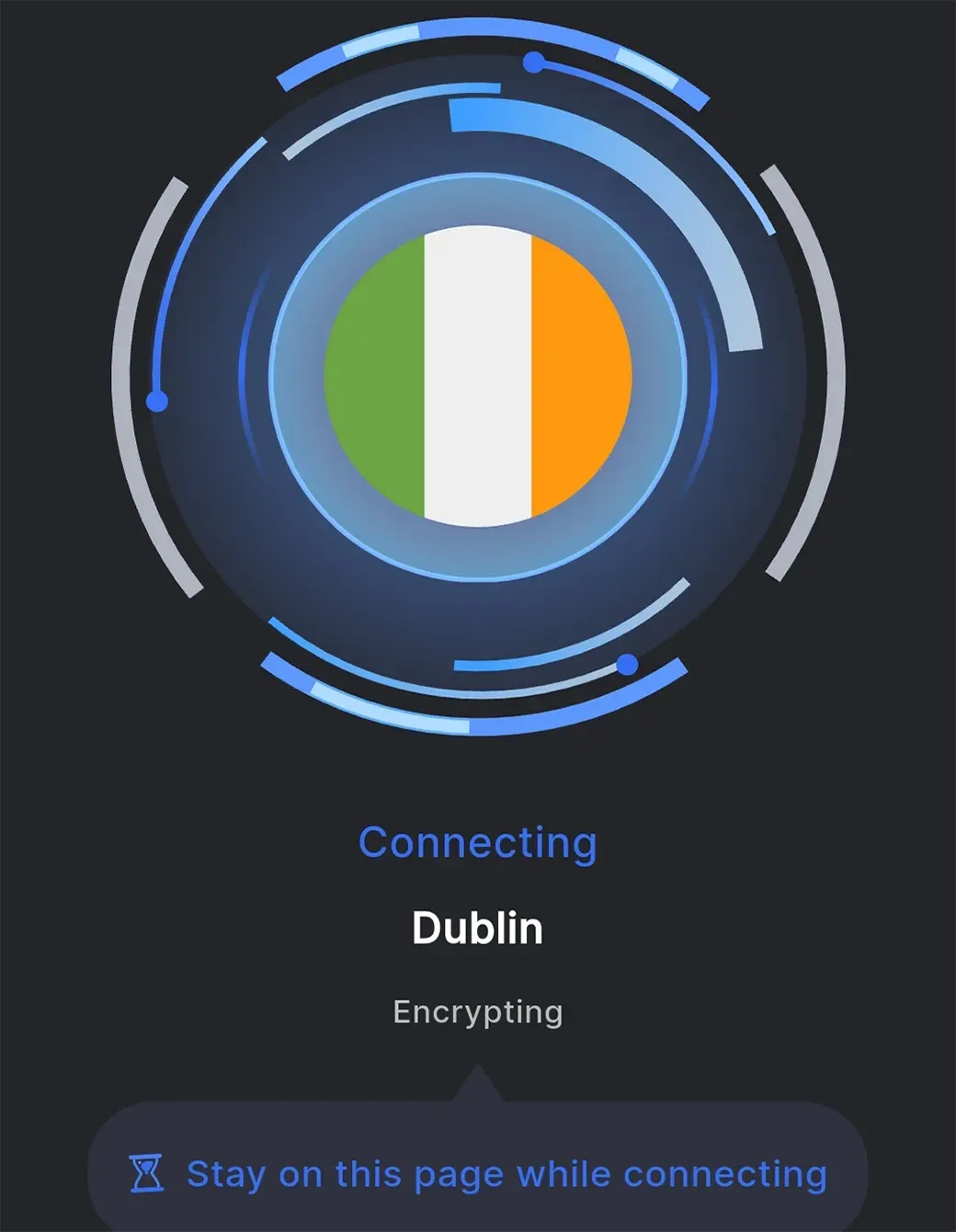
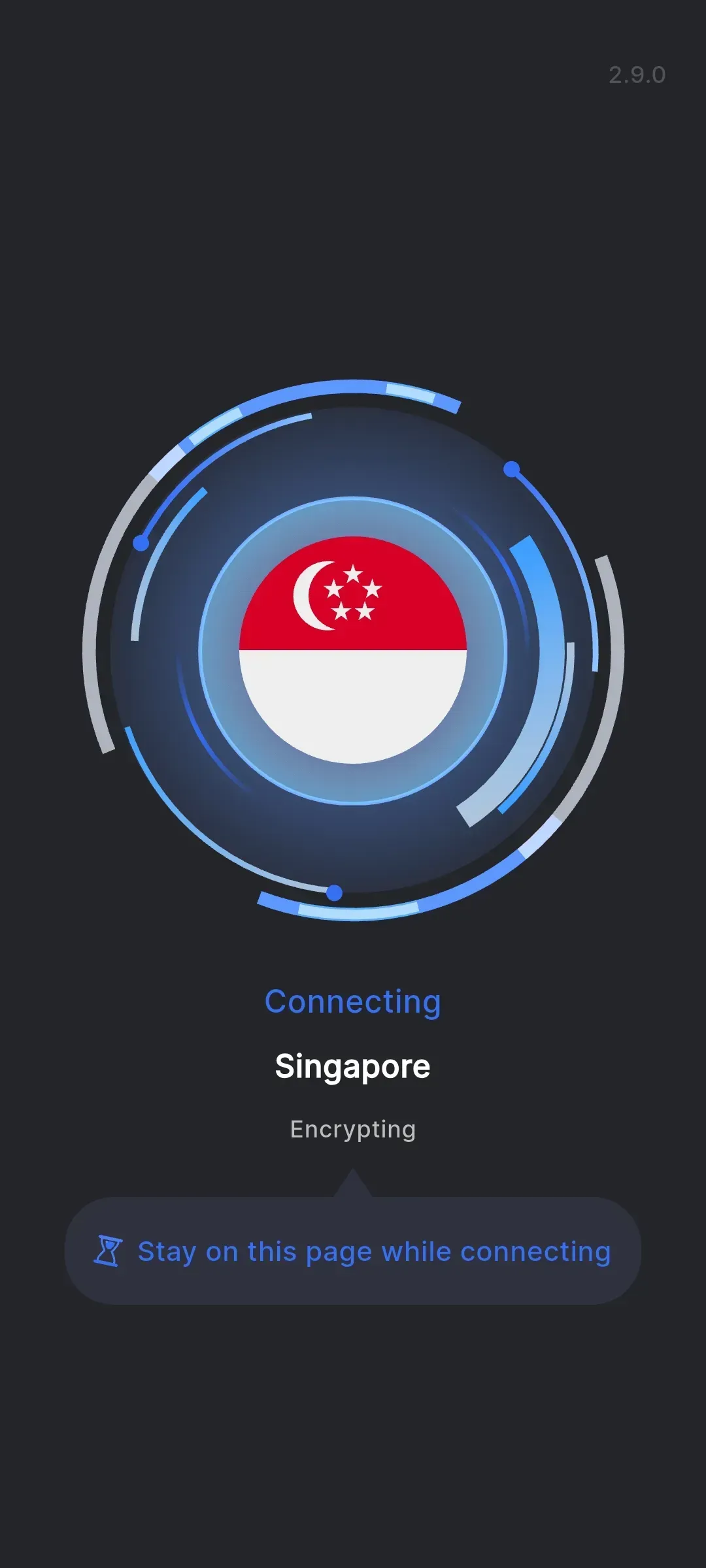
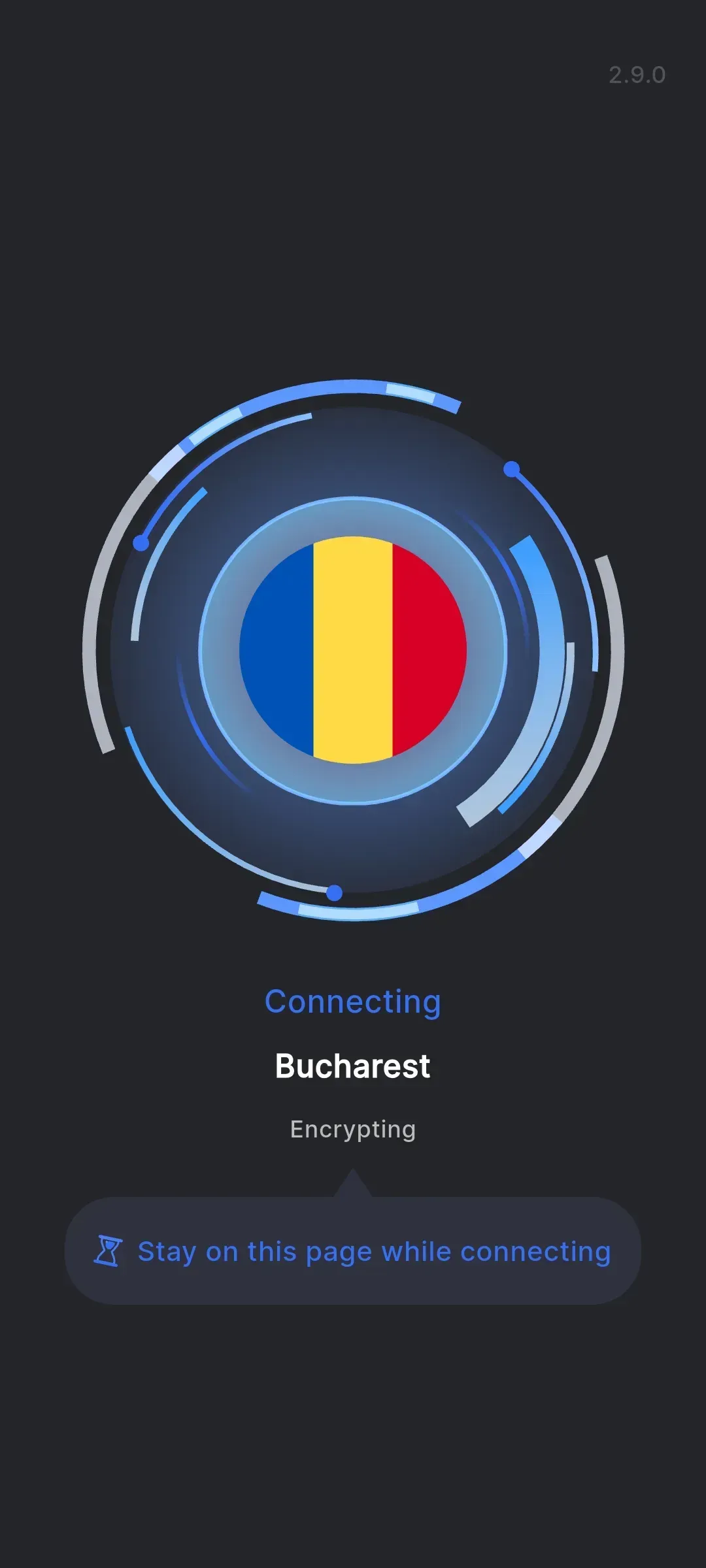
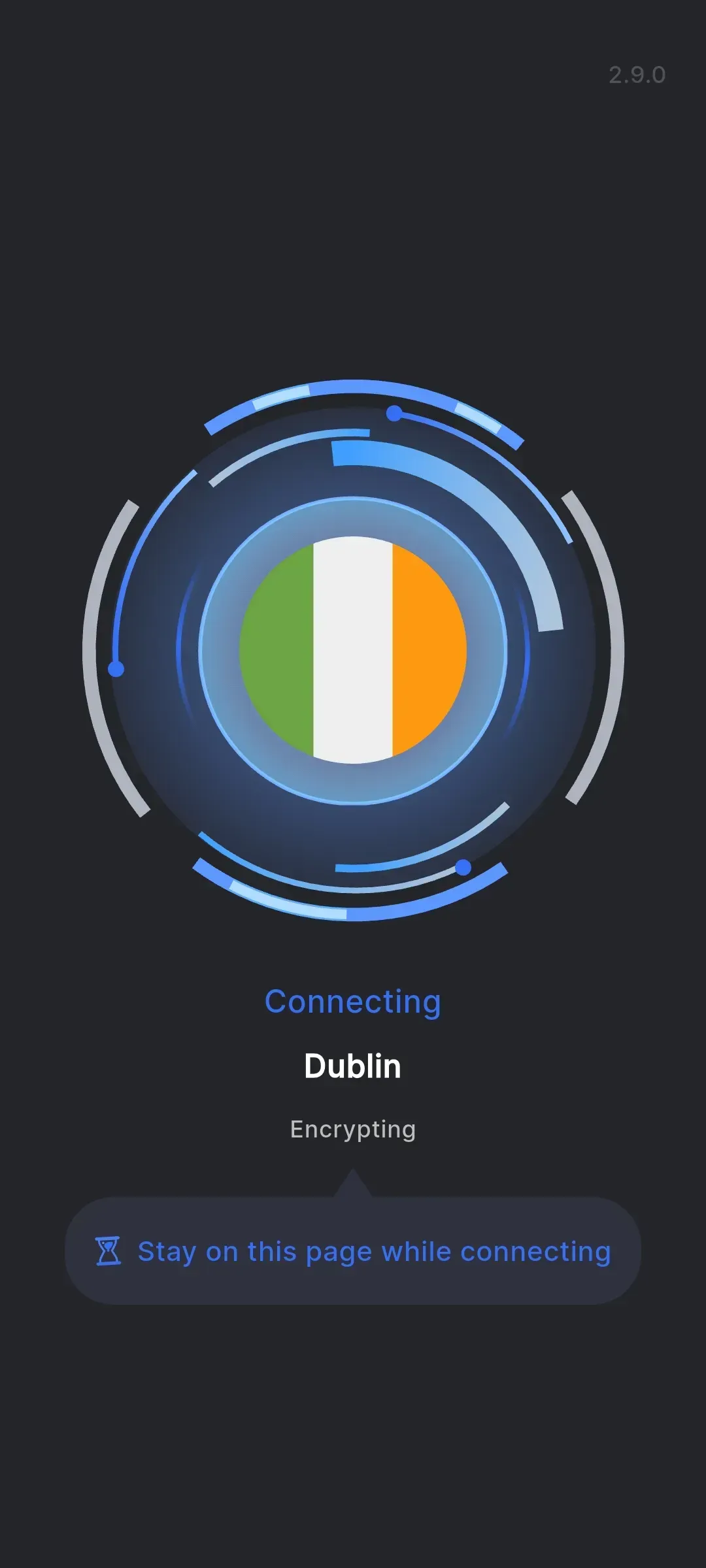
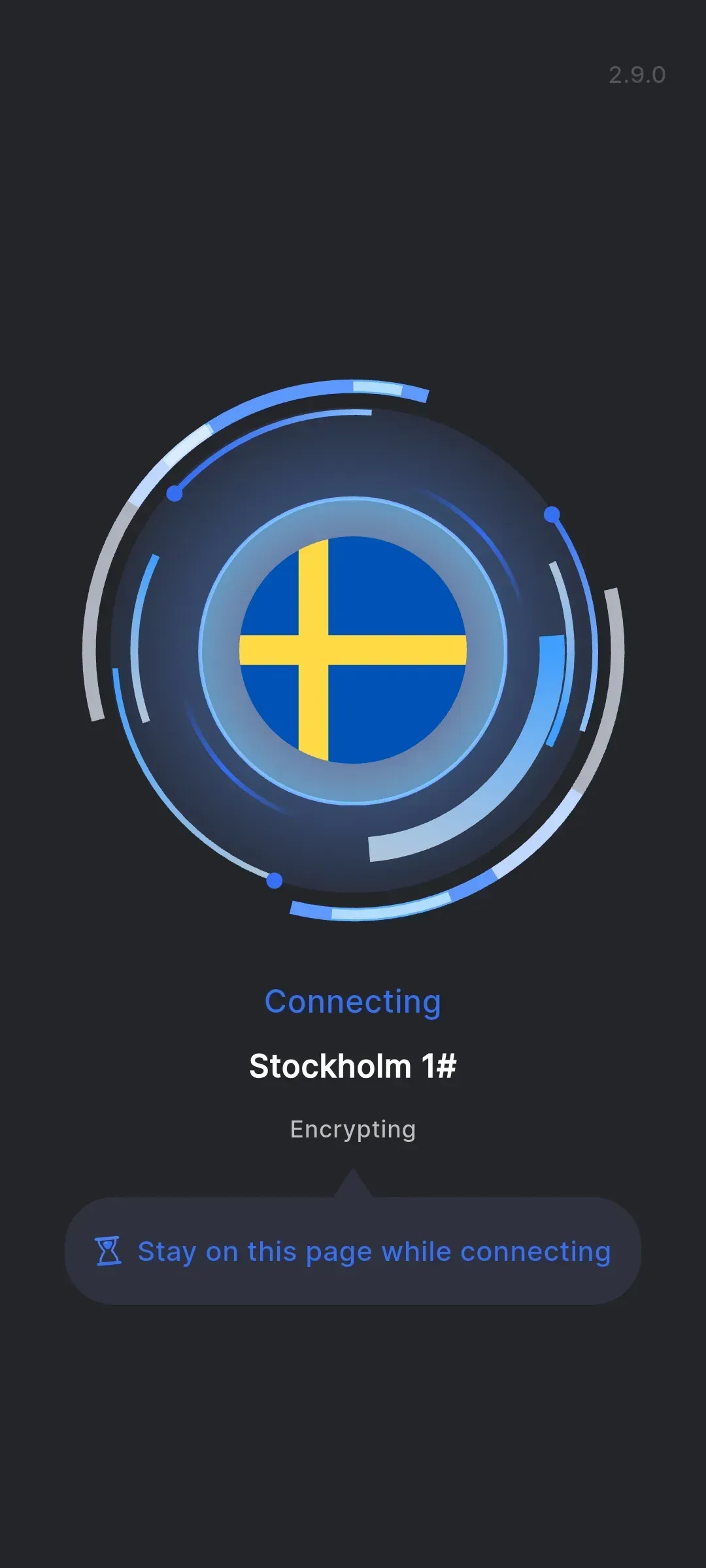
The interface shows the connection status and selected location, helping you quickly understand whether the VPN session is active.

Optimized routing
SecTunnel is focused on stable data transfer and careful route selection for comfortable everyday work online.
How do you start using SecTunnel?
The flow is as simple as possible: installation, location selection, connection, and continued internet use through a VPN channel. No complex network profiles or manual parameters are required for basic setup.
SecTunnel for Android: connection without extra steps
The app is suitable for smartphones, tablets, and compatible Android environments. Install SecTunnel, choose a server, and manage your VPN connection in a clear mobile interface.
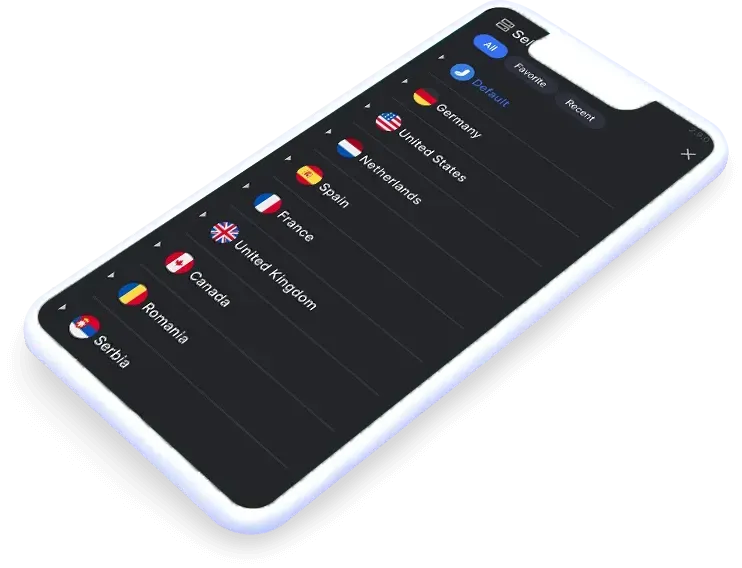

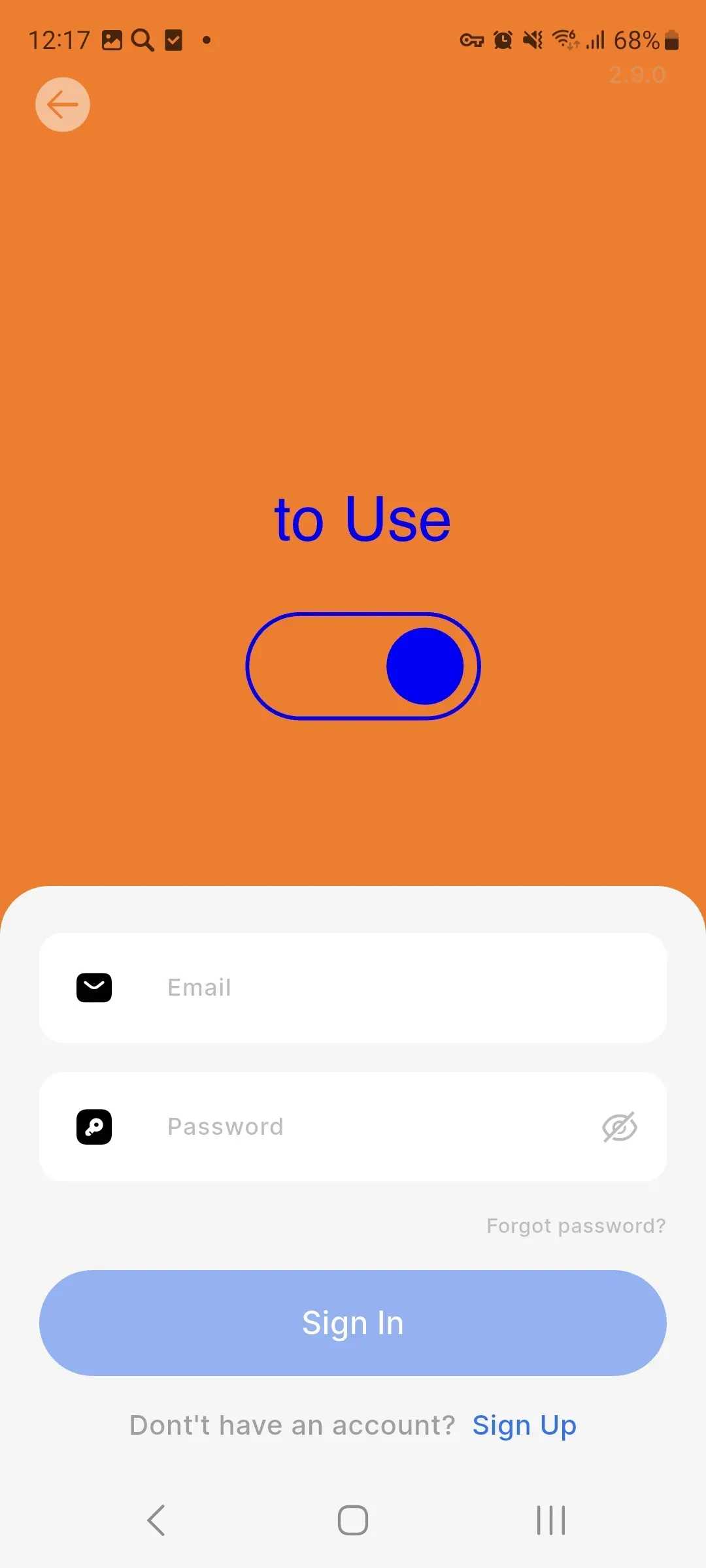
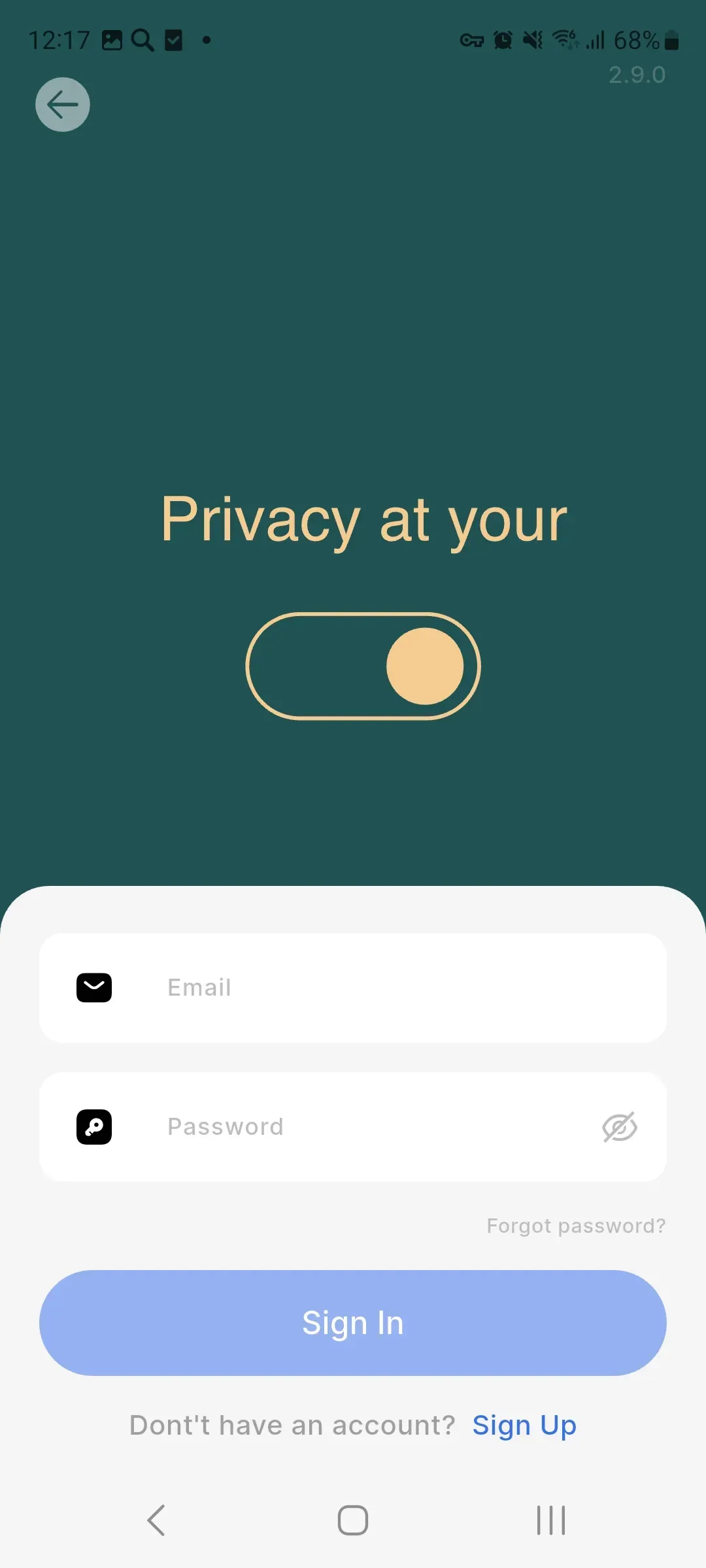
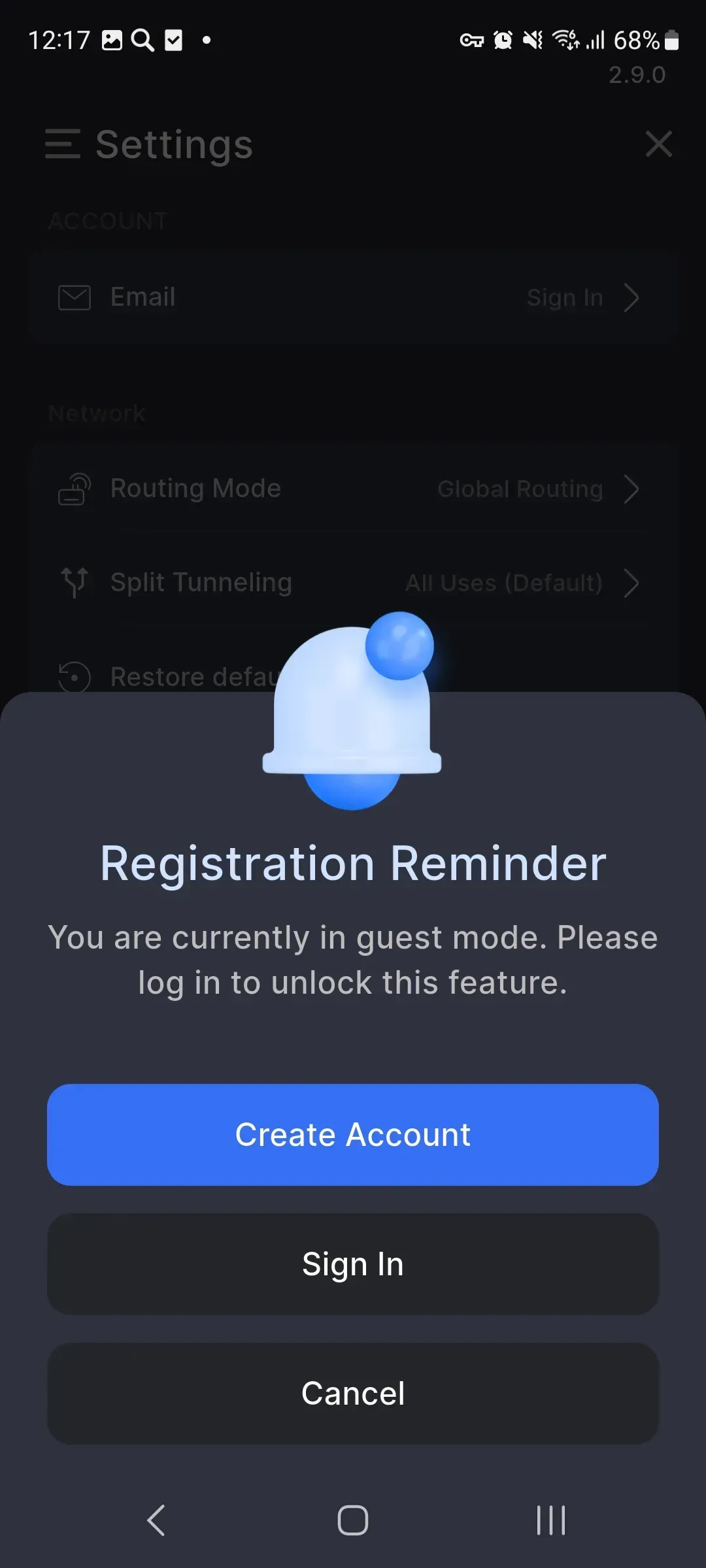
The SecTunnel interface helps you quickly choose a server and control the connection
A VPN connection that easily fits into everyday internet use
SecTunnel does not require a steep learning curve: the app is designed for quick startup, regular use, and clear connection management on Android devices.
For travel and mobile work
A VPN channel helps make internet use more comfortable when switching networks, connecting to hotel Wi-Fi, or working away from home.
For personal online tasks
SecTunnel is suitable for browsing, communication, app use, and other tasks where stability and connection control matter.
Users value SecTunnel for its simplicity and stability
Excellent
I installed SecTunnel before a trip and quickly figured it out without instructions. I like that the connection starts with one button and the status is always clear.

Anton Volkov
Android user
Excellent
The app looks clean and is not overloaded with settings. For my daily VPN connection, this is enough: I choose a server and get to work.

Ulyana Morozova
Mobile user
Excellent
I often switch networks on the road, so stability matters most. SecTunnel helps me use the internet calmly in hotels and public Wi-Fi networks.

Anna Sokolova
Traveler
Excellent
I like that there is no need to configure profiles manually. The interface is simple, the connection starts quickly, and a server can be selected in seconds.
Mikhail Orlov
Freelancer
Excellent
I use SecTunnel on my phone and tablet. The app is easy to understand, has no unnecessary screens, and subscription management stays in the familiar Google Play account.
Marina Lee
Tablet user
Excellent
For my tasks, launch speed and predictability matter. SecTunnel handles it: I open the app, tap connect, and continue working online.
Daria Kovaleva
Remote specialist
Brief SecTunnel system requirements
App version: 2.9.0. Last updated: April 21, 2026. To install and run SecTunnel reliably, a device with Android 7.0 or higher is required. The installation file size depends on the device and usually ranges from 128 MB to 152 MB. The app supports compatible smartphones, tablets, and devices with an Android environment, including selected Windows Subsystem for Android configurations. A stable internet connection is required via a mobile network or Wi-Fi.